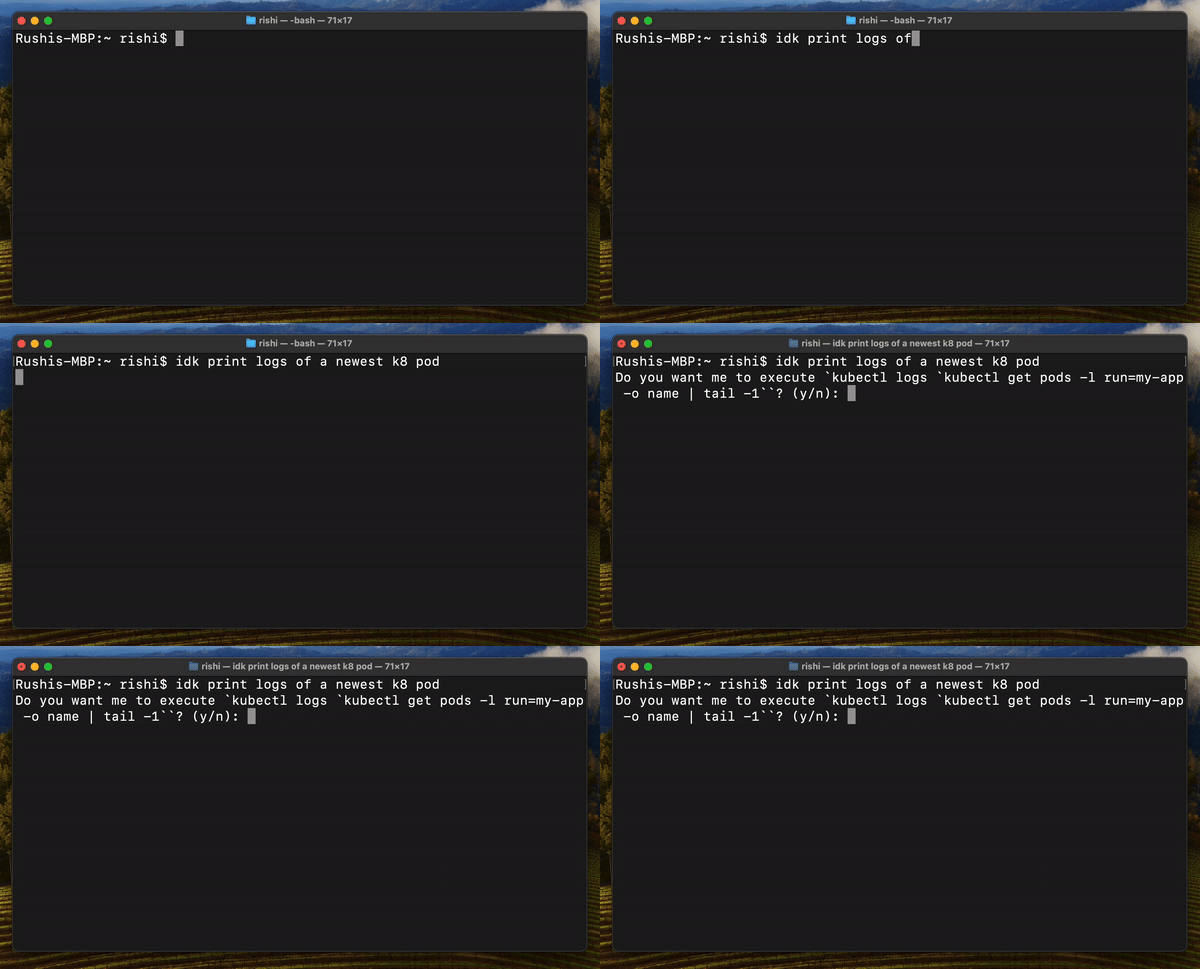
Behind every stunning software was a developer tethered to the terminal, juggling commands

Not anymore!

curl -o- https://idk-cli.github.io/scripts/install.sh | bash

IDK Client is Open Source: Checkout Code

Write Terminal Commands in Plain English

Write Terminal Commands in Plain English

Because it's okay not to remember thousands of commands

  • ✓ Find Terminal Commands fast: Never Search or Note down again.
  • ✓ Private Script/Command Support: Simply point to your script's readme.
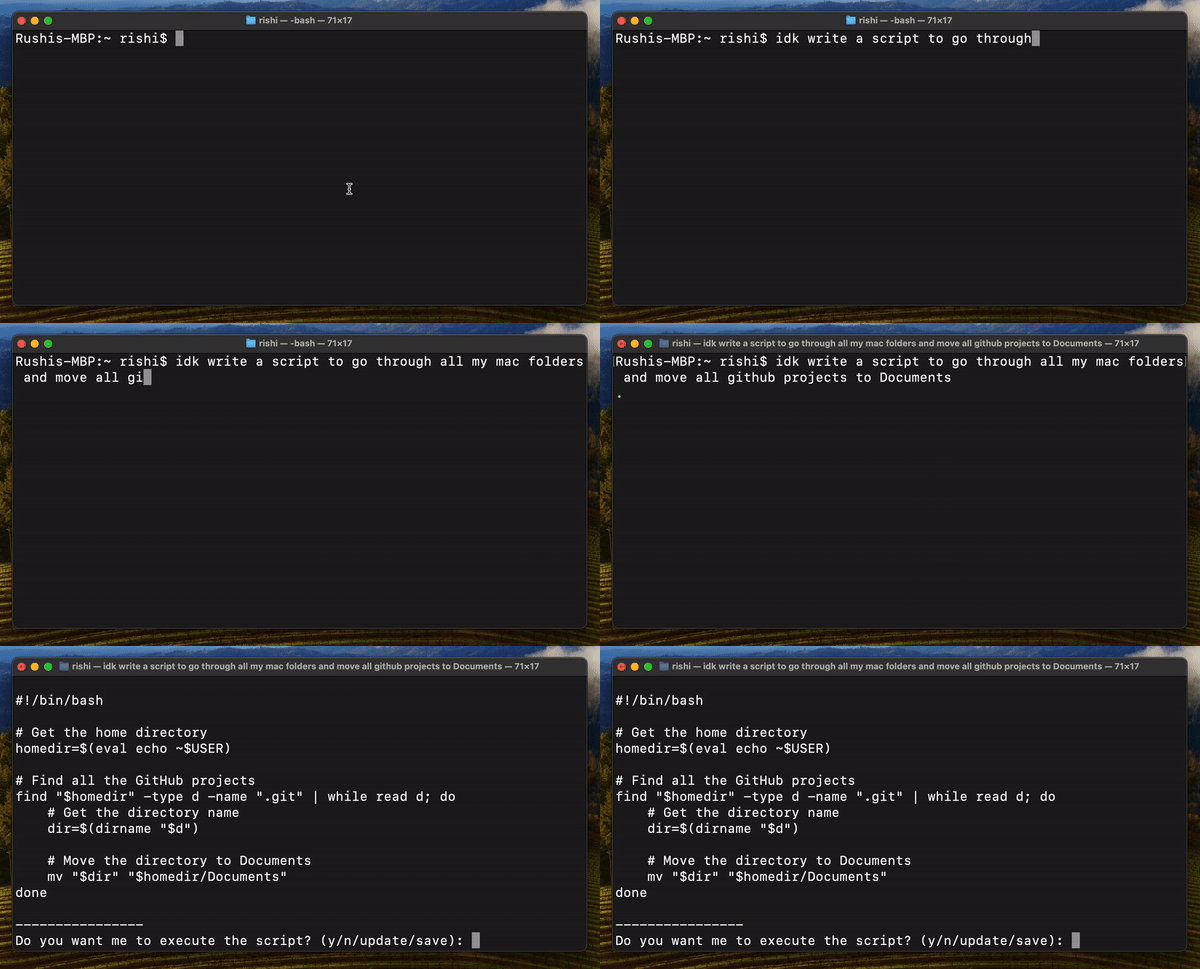
Create Workflow Scripts in Seconds not Hours

Replace all your Manual Workflows

Create Workflow Scripts in Seconds not Hours

  • ✓ No more Complex Commands: Easily grasp and utilize sophisticated commands.


Pricing

Find a plan that works for you


Features Free Enterprise
Cost Free
$0
Enterprise
$9/member/month
Limit Free
15 Requests/Day
Enterprise
200 Requests/Day
Enterprise Privacy
Prevent AIs from training their models on your data.
Free
✗
Enterprise
✓
Script Sharing
Allow team members to create and share scripts. Find existing scripts without reinventing wheel again and again.
Free
✗
Enterprise
✓
Profiling
Enable team members to share their setups, eliminating the need for lengthy environment and configurations.
Free
✗
Enterprise
✓


Usage

Learn how to use IDK AI ¯\_(ツ)_/¯ to streamline your terminal tasks


Login

Login to IDK using your Google Account

idk --login

Execute Terminal Commands or Scripts

Explain the command or script you want to execute in Plain English

idk [your prompt]
Example

user$ idk list all files in this folder

Do you want me to execute `ls`? (y/n):

Get help running your internal Scripts

Point to your Script's README and explain what you want to do in Plain English

idk [your prompt] --readme [readme file path]
Example

user$ idk sync my local folder 'test' with s3 folder 'abc' --readme /scripts/s3Script/README.md

Do you want me to execute `go run main.go sync --sourceFolder /test --DestinationBucket abc`? (y/n):

Debug

Help debugging your commands

idk --debug "[command to debug]"

user$ idk --debug "mkdr test"

Analyzing Error..

-----------------------------------

The correct command should be:

mkdir test

-----------------------------------

Setup

Fastest way to setup any project

idk --setup

idk_terminal user$ idk --setup

Analyzing Project..

-----------------------------------

`go` found

Commands will be executed in sequence to get your project setup:

-----------------------------------

[Step 1 / 3]

Command: go build

Description: Compiles the Go code.

Continue? (y/skip/stop)

Update

Update IDK to Latest Version

idk --update

Logout

Logout from IDK

idk --logout